
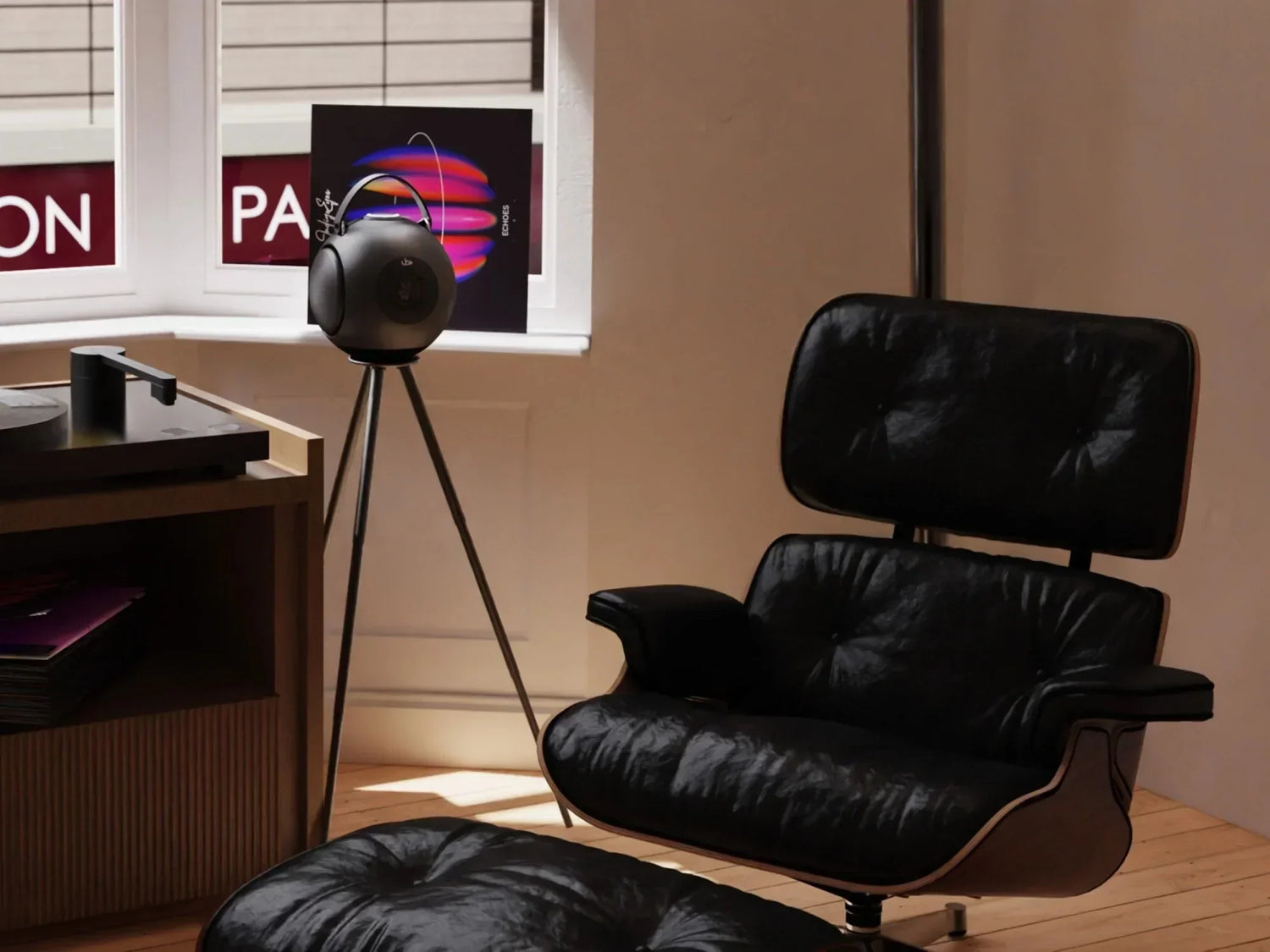
Few things ruin a movie faster than audio delay.
The dialogue appears half a second after someone speaks. Explosions feel disconnected from the action. Lip-sync problems become impossible to ignore once you notice them.
And because modern streaming setups increasingly rely on wireless audio, this problem has become common for people using a best portable bluetooth speaker, a wireless surround sound system, or even premium audiophile wireless speakers.
The frustrating part is that Bluetooth delay is often misunderstood.
Many people assume:
- the speaker is defective
- Bluetooth itself is “bad for movies”
- more expensive hardware automatically solves it
But in reality, audio latency depends on an entire chain of technologies working together:
- Bluetooth codecs
- TV processing
- streaming apps
- speaker DSP
- device settings
- wireless interference
This guide explains why Bluetooth delay happens, how to fix it, and why some speakers perform dramatically better for movie watching than others.
What Is Audio Delay?
Audio delay (also called latency) is the time difference between:
- the video appearing on screen
and - the audio reaching your ears
With wired systems, this delay is usually tiny.
But Bluetooth audio adds processing stages that increase timing lag.
Why Bluetooth Audio Has Delay
Bluetooth audio is not transmitted instantly.
Before sound reaches your speaker, it goes through several steps:
- Audio is encoded
- Data is compressed
- Signal is transmitted wirelessly
- Speaker decodes audio
- DSP processing is applied
- Sound is amplified and played
Each step adds small amounts of delay.
Combined together, the lag becomes noticeable during movies and gaming.
Why Music Feels Fine but Movies Don’t
Many users wonder:
“Why does music sound normal, but movies feel delayed?”
Because music does not require visual synchronization.
Even if Bluetooth adds:
- 100ms
- 150ms
- sometimes 250ms
your brain usually accepts it during music playback.
Movies are different.
Human vision detects lip-sync errors very quickly.
Even delays around:
- 40–60ms
can become noticeable.
Understanding Bluetooth Latency
Bluetooth latency varies dramatically depending on the system.
Common Bluetooth Delay Ranges
|
System Type |
Typical Latency |
|
Basic Bluetooth |
150–300ms |
|
Modern Bluetooth 5.x |
80–150ms |
|
Low-Latency Codecs |
30–60ms |
|
Wired Audio |
Near zero |
This explains why some wireless systems feel smooth while others feel disconnected.
The Biggest Misconception: Bluetooth Version Alone
Many people believe:
“Bluetooth 5.3 means zero delay.”
Not true.
Bluetooth version affects:
- stability
- bandwidth
- efficiency
But latency depends more on:
- codec support
- device processing
- synchronization optimization
A poorly optimized Bluetooth 5.3 system can still have noticeable delay.
What Actually Causes Audio Delay
Several factors combine together.
1. Codec Processing
A codec determines how audio is compressed and transmitted.
Different codecs introduce different levels of latency.
SBC Codec (Standard Bluetooth)
Most universal but:
- higher delay
- lower efficiency
- noticeable lip-sync lag
AAC Codec
Better quality on Apple devices but:
- latency varies depending on hardware
aptX and Low Latency Variants
Designed to reduce:
- transmission lag
- synchronization problems
These are much better for movies and gaming.
2. TV Processing Delay
Modern TVs apply heavy processing to video:
- HDR rendering
- motion smoothing
- image enhancement
- frame interpolation
Ironically, the TV itself may delay video while Bluetooth delays audio differently.
Poor synchronization between both causes lip-sync issues.
3. Speaker DSP Processing
Modern high end bluetooth speaker systems use DSP (Digital Signal Processing) for:
- bass enhancement
- tuning
- crossover management
- distortion control
DSP improves sound quality but adds processing time.
4. Streaming Device Lag
Streaming platforms also contribute delay:
- Netflix
- YouTube
- streaming boxes
- gaming consoles
Each handles synchronization differently.
Common Sources of Bluetooth Delay
|
Cause |
Impact on Delay |
|
Bluetooth Codec |
Very High |
|
TV Processing |
High |
|
DSP Speaker Processing |
Moderate |
|
Streaming Device |
Moderate |
|
Wireless Interference |
Low to Moderate |
|
Old Hardware |
High |
Why Some Speakers Feel Faster Than Others
Latency is not only about Bluetooth transmission.
It also depends on:
- DSP optimization
- processing efficiency
- amplifier design
- synchronization software
The best sounding bluetooth speaker systems are carefully optimized to balance:
- sound quality
- processing accuracy
- timing performance
Why Audiophile Wireless Speakers Often Perform Better
Premium audiophile wireless speakers typically use:
- faster DSP chips
- optimized buffering
- advanced codec support
- efficient wireless communication
This reduces delay while maintaining high sound quality.
How to Fix Bluetooth Audio Delay
Now let’s solve the problem.
Step 1: Enable Low-Latency Modes
Some TVs and streaming devices include:
- Game Mode
- Low Latency Mode
- AV Sync Settings
These reduce video processing delays significantly.
Step 2: Disable Heavy Video Processing
Turn off:
- motion smoothing
- frame interpolation
- excessive image enhancement
These features often increase sync problems.
Step 3: Use Better Bluetooth Codecs
Check whether your devices support:
- aptX
- aptX Low Latency
- adaptive codecs
This can dramatically reduce lag.
Step 4: Update Firmware
Both TVs and speakers receive firmware updates improving:
- synchronization
- Bluetooth stability
- latency optimization
Outdated software is a common issue.
Step 5: Reduce Wireless Congestion
Bluetooth competes with:
- Wi-Fi
- smart home devices
- nearby wireless systems
Try:
- moving closer to the speaker
- reducing interference
- avoiding crowded wireless environments
Why Placement Matters More Than You Think
A wireless surround sound system performs better when:
- line-of-sight communication is clean
- distance is minimized
- obstacles are reduced
Poor placement can increase buffering and instability.
Audio Delay in Portable Speakers
A rechargeable bluetooth speaker adds another challenge:
power management.
Portable systems often:
- optimize battery efficiency
- use buffering systems
- prioritize stability over speed
This can increase latency slightly.
Why Better Engineering Reduces Delay
Premium speaker systems invest heavily in:
- faster processors
- optimized DSP pathways
- efficient codec handling
This is why the best portable bluetooth speaker systems feel more responsive during movies.
Basic Bluetooth vs Optimized Wireless Audio
|
Feature |
Basic Bluetooth Speaker |
Optimized Wireless Speaker |
|
Codec Support |
SBC only |
Advanced codecs |
|
DSP Optimization |
Minimal |
High-speed processing |
|
Movie Sync |
Often delayed |
Much smoother |
|
Gaming Use |
Poor |
Good |
|
Audio Clarity |
Average |
Refined |
|
Long-Term Stability |
Moderate |
High |
Why Sound Quality and Latency Must Be Balanced
Interestingly, reducing latency is not always simple.
Ultra-low latency systems sometimes:
- reduce audio quality
- compress aggressively
- simplify processing
Premium systems aim for balance:
- low delay
- clean sound
- stable wireless performance
Why Bluetooth Is Still Worth Using
Despite latency concerns, Bluetooth offers major benefits:
- portability
- clean setup
- wireless convenience
- flexible room placement
For modern homes, this flexibility often outweighs small delays especially once optimized properly.
Movie Watching vs Gaming
Movies tolerate slight latency better than gaming.
Gaming requires:
- near-instant response
- synchronized action
- ultra-low lag
Movie watching is more forgiving if synchronization remains stable.
Why Modern Compact Speakers Are Better Than Before
Today’s wireless systems are far more advanced than early Bluetooth speakers.
Modern high end bluetooth speaker systems now include:
- Bluetooth 5.3
- optimized codecs
- adaptive synchronization
- faster DSP chips
This dramatically improves movie performance.
The Importance of Speaker Tuning
Interestingly, tuning also affects perceived delay.
A speaker with:
- muddy bass
- smeared mids
- slow transient response
can feel “slower” even if latency is technically low.
Clear transient response improves perceived synchronization.
Why Controlled Bass Matters for Movies
Movie audio relies heavily on:
- impact timing
- transient accuracy
- dialogue clarity
Poorly controlled bass can blur timing perception.
Well-engineered systems maintain:
- cleaner attack
- tighter low frequencies
- more accurate synchronization feel
Wireless Surround Sound Systems and Delay
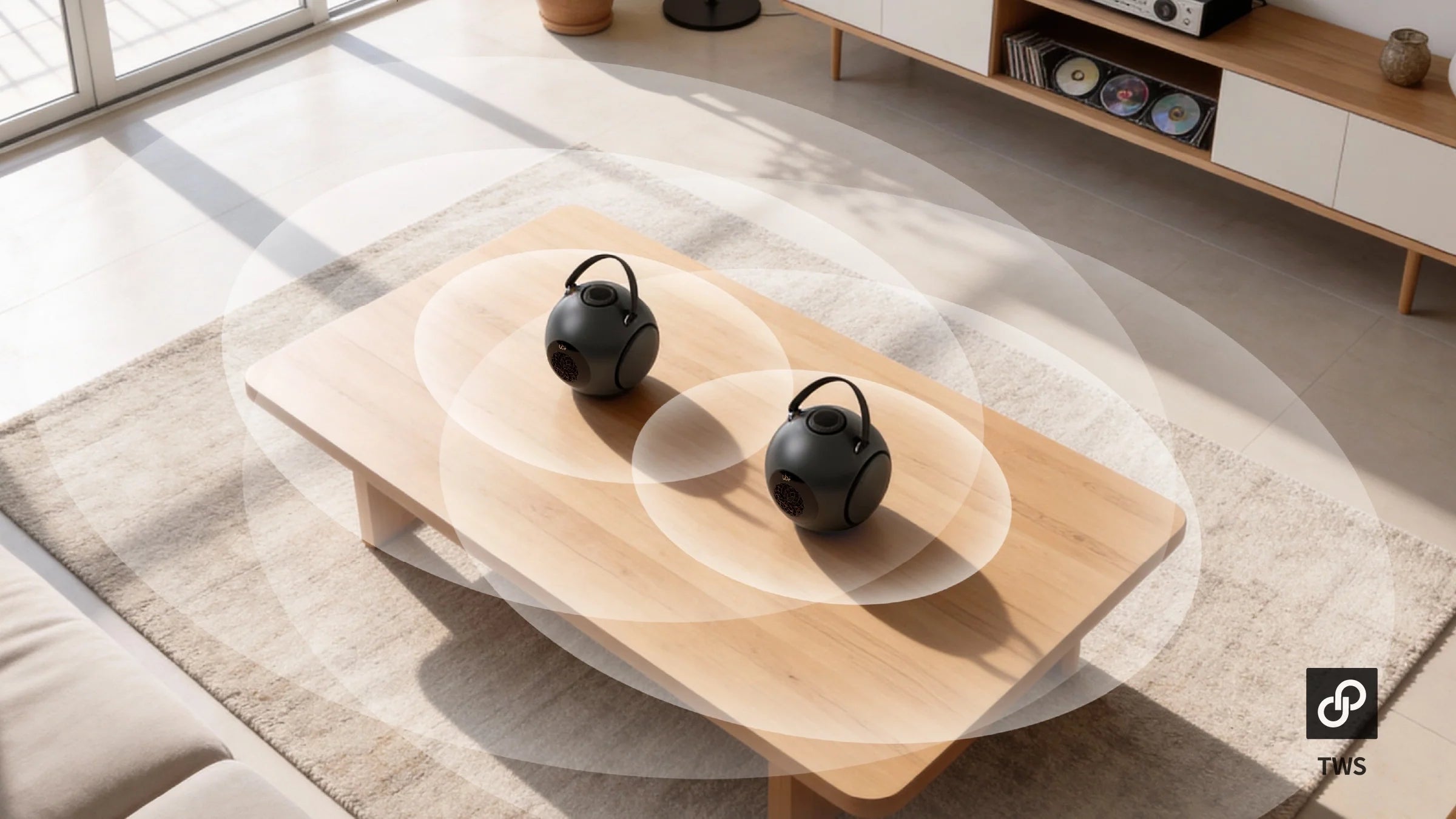
Multi-speaker wireless systems face additional complexity because:
- speakers must synchronize with each other
- channels require timing alignment
- wireless buffering increases
Advanced systems solve this through:
- centralized synchronization
- adaptive buffering
- timing correction algorithms
Why Some TVs Handle Bluetooth Better
Premium TVs often include:
- better Bluetooth chipsets
- dedicated audio sync controls
- lower processing delay
Budget TVs may struggle more.
Final Optimization Checklist
If your movie audio feels delayed:
Check:
- codec support
- TV AV sync settings
- firmware updates
- Bluetooth version
- streaming device settings
- wireless interference
Disable:
- unnecessary video processing
- motion smoothing
- excessive DSP modes
Final Thoughts: Bluetooth Delay Is Usually Fixable
Bluetooth audio delay is frustrating but it is rarely caused by a single problem.
It is the result of multiple systems interacting:
- codecs
- TVs
- streaming devices
- speaker processing
- wireless conditions
The good news is that modern best sounding bluetooth speaker systems are dramatically better optimized than older wireless audio products.
Today’s premium audiophile wireless speakers can deliver:
- cinematic sound
- deep bass
- wireless flexibility
- surprisingly low latency
especially when paired with the right settings.
Because modern wireless audio is no longer just about convenience.
It is about delivering immersive sound without sacrificing simplicity.
Frequently Asked Questions (FAQ)
1. Why is there a delay between video and sound when using Bluetooth speakers?
Bluetooth audio must be compressed, transmitted wirelessly, decoded, and processed before playback. Each stage adds small amounts of latency. During movie watching, even minor delays can create noticeable lip-sync issues because human vision detects timing mismatches very quickly.
2. Does Bluetooth 5.3 completely eliminate audio delay?
No. Bluetooth 5.3 improves wireless stability, bandwidth efficiency, and connection reliability, but latency depends more on codec support, DSP optimization, synchronization software, and device processing. A poorly optimized Bluetooth 5.3 setup can still experience noticeable audio lag.
3. Which Bluetooth codecs are best for watching movies?
Low-latency codecs such as aptX Low Latency and adaptive Bluetooth codecs generally perform much better for movies and gaming than standard SBC. These codecs reduce transmission delay and improve synchronization between audio and video playback.
4. Why do some wireless speakers perform better for movies than others?
Premium wireless speaker systems often use faster DSP processors, optimized buffering, advanced synchronization algorithms, and better codec support. This allows them to maintain cleaner sound quality while minimizing audio delay during movies, streaming, and gaming.
5. How can I reduce Bluetooth audio delay on my TV setup?
You can improve synchronization by enabling Game Mode or AV Sync settings, disabling motion smoothing and excessive image processing, updating firmware, using low-latency codecs, and reducing wireless interference. Proper speaker placement and modern hardware can also significantly improve movie audio performance.
Better Wireless Movie Sound Starts Here
→ Compare dB1 vs dB Mini
→ See color option
→ Check current price
Because when sound and picture move together naturally, movies feel alive again.


Leave a comment
This site is protected by hCaptcha and the hCaptcha Privacy Policy and Terms of Service apply.