
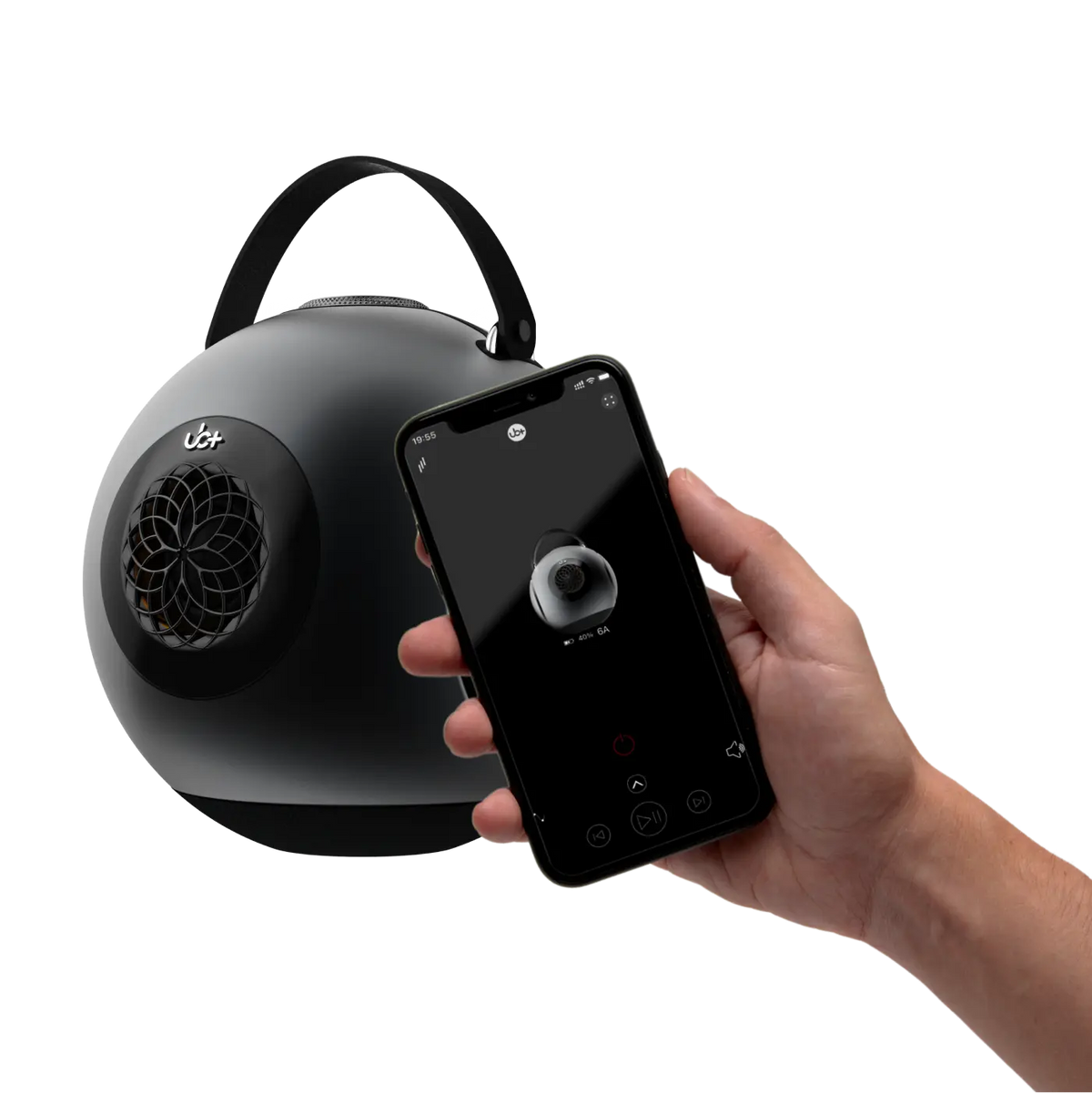
A Bluetooth speaker not connecting is one of the most common wireless-audio problems: the speaker may not appear in the device list, refuse to pair, disconnect after a few seconds, or repeatedly reconnect to another device. In most cases, the cause is not a serious hardware failure. Pairing history, low battery, wireless interference, software conflicts, or an incorrect connection state can usually explain the problem.
Whether you are using a round Bluetooth speaker such as the UB+ dB1 DoubleBass or another portable wireless speaker, the fastest way to solve the problem is to troubleshoot systematically. The nine fixes below move from simple connection resets to deeper device and compatibility checks.
Why Bluetooth Speakers Sometimes Fail to Connect
Bluetooth pairing is a communication process between two devices. A failure can happen on either side of the connection or because of the environment around them.
Common causes include:
- Previous pairing conflicts: The speaker may automatically reconnect to a previously paired phone, tablet, or computer.
- Low battery: Insufficient or unstable power can affect normal Bluetooth operation.
- Wireless interference: Bluetooth operates in the 2.4 GHz band, which is also used by Wi-Fi and other wireless devices.
- Distance and obstacles: Walls, metal objects, furniture, and other physical barriers can weaken the wireless signal.
- Software problems: An outdated operating system, firmware issue, or temporary Bluetooth error can prevent successful pairing.
- Device compatibility: Bluetooth functionality depends on the supported profiles and capabilities of both devices.
Understanding the likely cause makes troubleshooting much faster.
Restart the Bluetooth Speaker
Start with the simplest fix: turn the speaker off and back on.
Power cycling clears temporary operating-state problems that can prevent the Bluetooth system from entering or maintaining pairing mode.
Try this:
- Turn the speaker completely off.
- Wait approximately 10–15 seconds.
- Turn it back on.
- Activate Bluetooth pairing mode.
- Check the phone or computer again.
A speaker can sometimes remain in an unexpected connection state after a previous pairing attempt. A restart gives the wireless system a fresh start.
Forget the Speaker and Pair It Again
If the speaker appears in your phone or computer's Bluetooth settings but will not connect, remove the existing pairing record.
On most devices, the process is:
- Open Bluetooth settings.
- Find the speaker under previously connected or paired devices.
- Select Forget, Remove, or the equivalent option.
- Put the speaker into pairing mode.
- Search for available Bluetooth devices again.
- Select the speaker and complete the pairing process.
This is particularly useful when a device remembers an old connection state that no longer matches the speaker.
For more information about Bluetooth technology and connection standards, see UB+'s guide to Bluetooth 4.2, 5.0, and 5.3.
Check the Battery and Charging Status
A speaker can appear to power on while still having insufficient battery capacity for reliable operation.
Before troubleshooting further, make sure:
- The speaker has adequate charge.
- The charging indicator behaves normally.
- The charging cable and power source are working.
- The charging port is clean and undamaged.
If the speaker has been stored for a long period, leave it connected to power for a while before attempting another pairing session.
Power problems should be ruled out before assuming the Bluetooth hardware itself has failed.
Reduce Wireless Interference
Bluetooth shares the 2.4 GHz radio spectrum with Wi-Fi and numerous other wireless devices. A congested environment can contribute to unreliable connections.
For troubleshooting, temporarily simplify the environment:
- Move the phone or computer closer to the speaker.
- Keep large metal objects away from the direct path between devices.
- Avoid placing the speaker behind equipment or inside enclosed furniture.
- Move away from sources of heavy wireless activity when testing.
- Temporarily disconnect unnecessary Bluetooth devices.
If the connection becomes reliable when the devices are close together, distance or environmental interference may have been contributing to the problem.
Once the connection is working, you can gradually return the speaker to its normal position.
Check for Firmware and Software Updates
Connectivity problems can sometimes be caused by software rather than the physical Bluetooth hardware.
Check whether your:
- Phone or tablet has a pending operating-system update.
- Computer has available system updates.
- Speaker has a manufacturer-provided firmware update.
- Companion application has an available update.
For UB+ products, check the current manufacturer instructions or available UB+ software resources before applying an update.
Keeping both sides of the connection current can help avoid compatibility problems introduced or exposed by newer devices and operating systems.
Reset the Speaker When Pairing Problems Persist
If restarting and re-pairing do not solve the issue, a reset may be appropriate.
A reset is different from simply turning the speaker off and on. Depending on the model, it can clear stored pairing information or return certain settings to their original state.
Before resetting:
- Check the instructions for your exact speaker model.
- Confirm what information the reset will erase.
- Make sure the speaker has sufficient battery.
- Be prepared to pair the speaker again afterward.
Do not assume that every Bluetooth speaker uses the same reset button or button combination. The correct procedure is model-specific.
Check Device Compatibility
If the speaker works with one device but not another, the problem may be on the device side.
Check whether your phone, tablet, or computer supports the Bluetooth functionality required by the speaker. Bluetooth versions themselves are only part of the picture; supported profiles and operating-system implementation can also affect compatibility.
For example, Bluetooth audio commonly depends on profiles such as A2DP for audio streaming and AVRCP for playback controls.
If you are troubleshooting a computer, also check whether:
- Bluetooth is enabled.
- The correct audio output is selected.
- The Bluetooth adapter is functioning properly.
- Device drivers are current.
- Another application has taken control of the audio output.
This helps distinguish a speaker problem from a source-device problem.
Use a Wired Connection If Available
If your speaker supports wired playback, temporarily using that connection can help isolate the problem.
Connect the speaker using its supported wired input and play audio.
If wired playback works normally while Bluetooth does not, that provides useful information: the speaker's basic audio system is functioning, while the problem is more likely related to wireless pairing, settings, or the source device.
The exact wired options depend on the speaker model, so use only the inputs supported by your device.
For broader speaker-selection considerations, see UB+'s portable Bluetooth speaker buying guide.
Test the Speaker With Another Device
One of the most useful troubleshooting steps is to test the speaker with a second phone, tablet, or computer.
For example:
- Disconnect the speaker from the original device.
- Put the speaker into pairing mode.
- Open Bluetooth settings on another device.
- Search for the speaker.
- Attempt to pair it.
- Test audio playback.
The result helps narrow down the source of the problem.
|
Test result |
What it suggests |
|
Speaker works with another device |
The original phone/computer may have a Bluetooth or software issue |
|
Speaker cannot connect to any device |
Speaker settings, pairing mode, firmware, or hardware may need further investigation |
|
Speaker connects but audio does not play |
Check the source device's audio-output settings |
|
Connection works only at very short range |
Interference, obstruction, or a wireless hardware issue may be involved |
This simple test can prevent unnecessary resets or repairs.
What About Wireless Surround Sound Systems?
Multi-speaker wireless systems introduce additional variables that do not normally apply to a single portable Bluetooth speaker.
A system may involve multiple wireless links, synchronization between speakers, a network connection, or a dedicated hub.
If you are troubleshooting a multi-speaker setup, check:
- Whether every speaker is powered.
- Whether the system's speakers are properly synchronized.
- Whether the correct network or hub is being used, where applicable.
- Whether a recent update changed the connection state.
- Whether speakers have been moved outside their intended communication range.
Do not automatically apply troubleshooting steps designed for a single Bluetooth speaker to a multi-speaker system. The architecture can be different.
Does Speaker Shape Affect Bluetooth Connectivity?
A speaker's enclosure geometry primarily affects its acoustic behavior, not whether its Bluetooth radio can establish a connection.
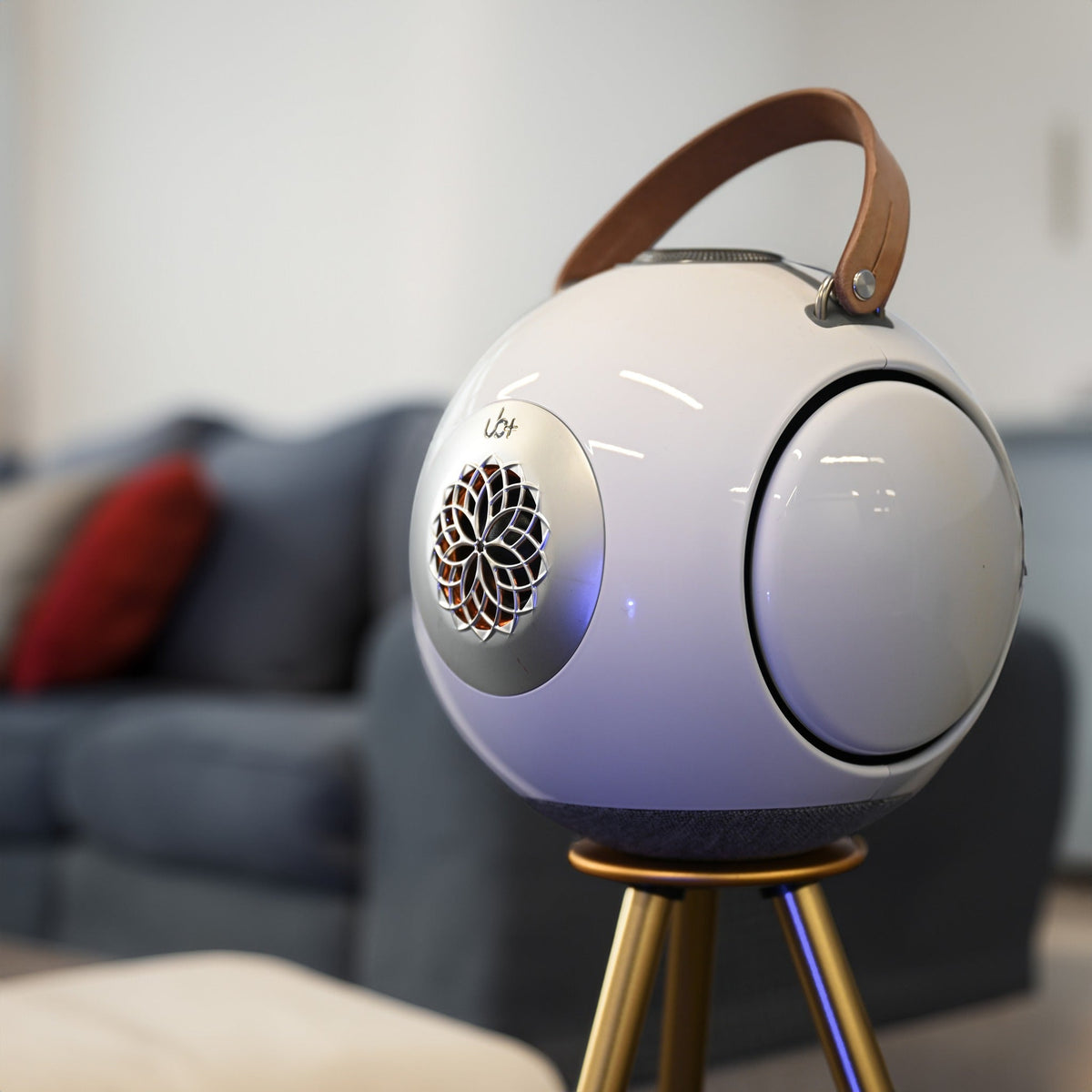
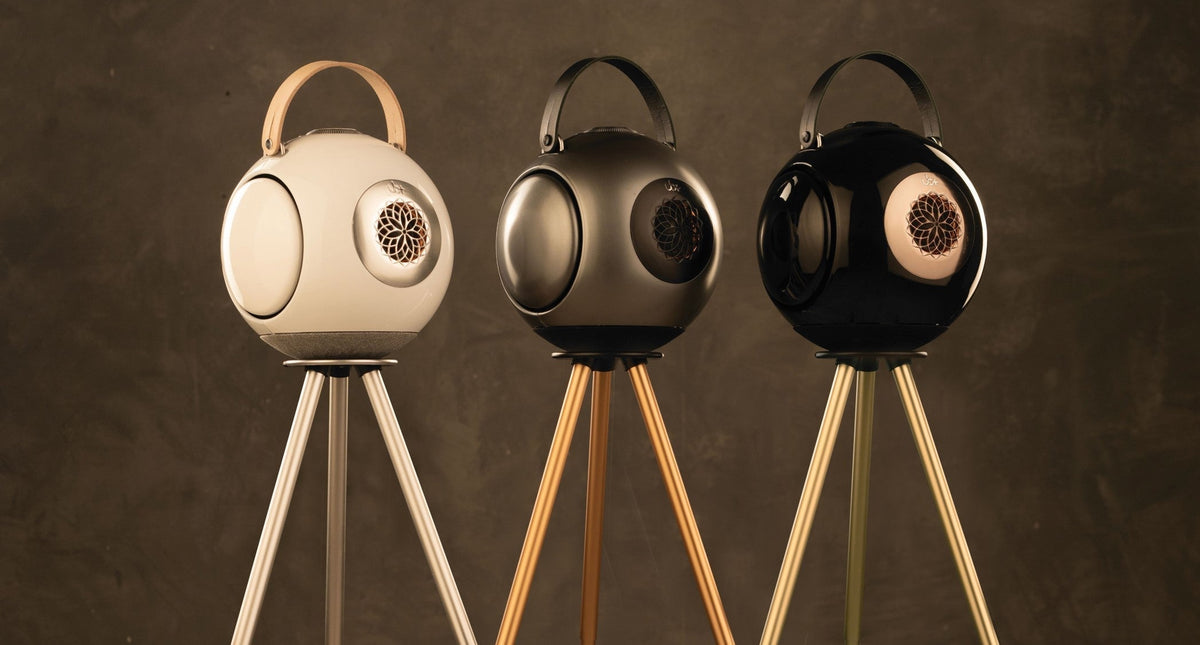
This distinction matters when discussing products such as the UB+ dB1. Its spherical architecture is an acoustic design choice built around the internal air chamber, driver arrangement, and opposing passive radiators. It should not be described as inherently making the Bluetooth connection more reliable simply because the enclosure is round.
For a deeper look at how enclosure geometry influences sound, read Spherical vs. box speaker design.
The same principle applies to passive radiators. Their role is primarily related to acoustic output and low-frequency performance rather than Bluetooth pairing.
You can learn more about their acoustic function in How passive radiators work in Bluetooth speakers.
How to Prevent Bluetooth Connection Problems
Once your speaker is working again, a few simple habits can reduce recurring pairing issues.
Keep the Speaker and Source Device Updated
Install relevant operating-system, firmware, and application updates when they are available and appropriate for your equipment.
Remove Unused Pairings
If your speaker has been connected to many devices, removing obsolete Bluetooth entries can make troubleshooting easier and reduce confusion about which device is trying to reconnect.
Pair Close to the Speaker
When establishing a new connection, keep the source device near the speaker. Once pairing is complete, move the devices farther apart gradually if necessary.
Avoid Unnecessary Wireless Congestion
When diagnosing an unstable connection, temporarily reduce nearby wireless activity. This makes it easier to determine whether interference is part of the problem.
Check Which Device Is Already Connected
If a speaker keeps disappearing from the available-device list, check nearby phones, tablets, and computers. It may already be connected to another previously paired device.
When the Problem May Require Support
If you have restarted the speaker, removed and recreated the pairing, checked power, tested another device, and followed the manufacturer's reset procedure without success, further support may be appropriate.
Signs that professional assistance may be needed include:
- The speaker cannot enter pairing mode.
- Multiple source devices fail to detect it.
- Bluetooth repeatedly disconnects at close range.
- The speaker has suffered physical or liquid damage.
- Buttons or connection indicators are not behaving normally.
- The problem began after a hardware fault or unusual power event.
At that point, manufacturer support can help determine whether the issue is software-related or requires hardware service.
For UB+ products and current product information, visit UB+.
Bluetooth Speaker Troubleshooting at a Glance
|
Problem |
First thing to try |
|
Speaker does not appear |
Restart the speaker and source device, then enter pairing mode |
|
Speaker appears but will not connect |
Forget the old pairing and reconnect |
|
Speaker keeps disconnecting |
Reduce distance and wireless interference |
|
Speaker connects to the wrong device |
Disconnect or disable Bluetooth on previously paired devices |
|
Speaker powers on but will not pair |
Check battery and charging status |
|
Bluetooth works on one device but not another |
Check the second device's settings and compatibility |
|
Wired playback works but Bluetooth does not |
Focus troubleshooting on Bluetooth settings, pairing, and software |
|
Nothing connects to the speaker |
Check reset procedures and contact manufacturer support if necessary |
Frequently Asked Questions
Why is my Bluetooth speaker not connecting?
The most common causes include an existing connection to another device, outdated software, low battery, interference, excessive distance, or corrupted pairing information. Start by restarting both devices and forgetting the existing Bluetooth pairing.
Why does my Bluetooth speaker show up but refuse to pair?
The speaker may still be connected to another device or may have an outdated pairing record. Remove the speaker from your Bluetooth settings, place it back into pairing mode, and try again.
Why does my Bluetooth speaker keep disconnecting?
Distance, physical obstructions, wireless interference, low battery, and software problems can all contribute to repeated disconnections. Test the speaker close to the source device first.
Should I reset my Bluetooth speaker?
A reset can help when ordinary restarting and re-pairing do not work. However, reset procedures vary by model, so follow the manufacturer's instructions rather than using a generic button combination.
How can I tell whether the speaker or my phone is causing the problem?
Try connecting the speaker to another compatible phone, tablet, or computer. If it works normally there, investigate the original source device. If multiple devices fail to connect, investigate the speaker itself.
Final Thoughts
When a Bluetooth speaker is not connecting, the best approach is systematic rather than random. Start with power and pairing, then move through interference, software, compatibility, reset procedures, and testing with another device.
For most single-speaker setups, these steps identify whether the problem comes from the speaker, source device, pairing history, or wireless environment. They also prevent unnecessary factory resets or hardware troubleshooting before simpler causes have been eliminated.
UB+ speakers are designed primarily around their acoustic architecture, including the dB1's spherical chamber and dual passive-radiator system. Bluetooth connectivity remains a separate electronic system, so troubleshooting should focus on the actual wireless connection rather than assuming enclosure shape determines pairing reliability.
Explore UB+ Speakers
→ Explore the UB+ dB1 DoubleBass


Leave a comment
This site is protected by hCaptcha and the hCaptcha Privacy Policy and Terms of Service apply.